

Our story
We provide integrated building services solutions for design and construction companies, mostly on construction projects in the UK.
BIMactive Ltd. was founded in 2022. The main driving force in starting our company was our belief that we could deliver world-class quality in Hungary. In addition, we want to create a team where everyone is an integral part of the process, with opportunities for development according to their ambition and performance.
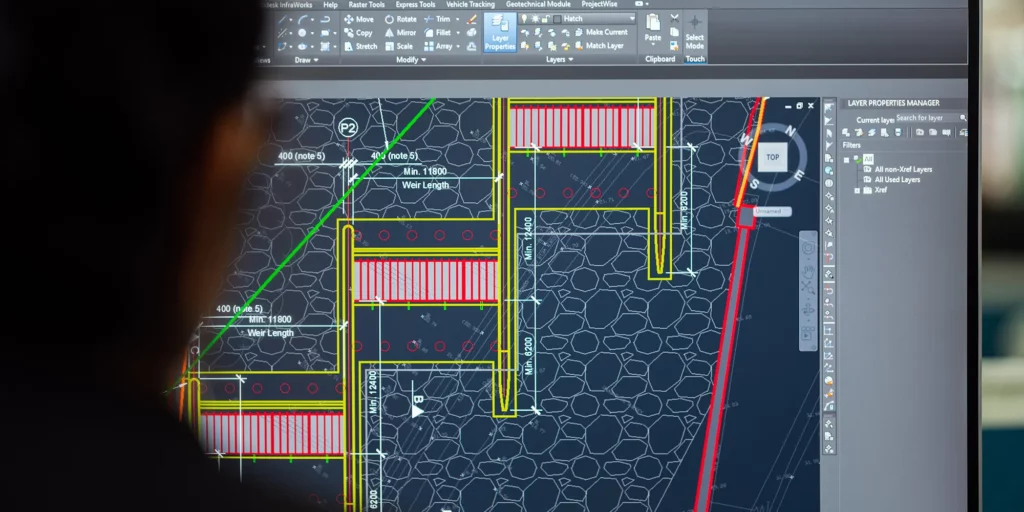
BUILDING INFORMATION MODELLING
Our team and partners are experienced BIM coordinators and technicians responsible for the efficiency of the BIM processes throughout the project and for providing the best solutions for our clients. We strive to identify and use new trendsetting technologies to ensure that our services are delivered to the highest possible quality.
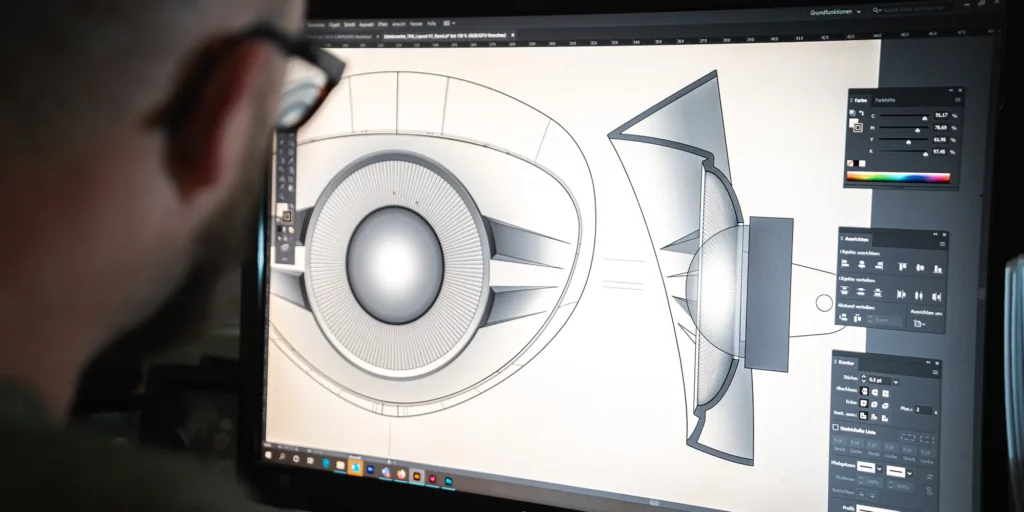
OUR TECHNOLOGY
Integrating BIM-related technology solutions and developing alternative workflows that go with them is the cornerstone of our firm’s methodology. In addition to 3D information modelling, the data richness of our projects can be tailored to the operation of post-construction facilities management systems (CAFM), 4D design programming and 5D budget demonstrations. All of this is made smooth and efficient by automated in-house custom programs.